

Partners
Accredit the repairers and recyclers allowed to log lifecycle events on your products, resend their invitation and revoke their accreditation.
A value-chain partner is a third party allowed to log lifecycle events on your products: a repair, a recycling. This screen is the register of those authorizations. You open it to accredit a repairer or a recycler, to send an invitation again, or to withdraw an access.
#What the screen shows
A table with six columns: "Name", "Email", "Type", "Status", "Added" and "Actions". The type is a pill, "Repairer" or "Recycler". The status is a green "Active" pill or a red "Revoked" one. Every active row carries two buttons, "Resend invite" and "Revoke".
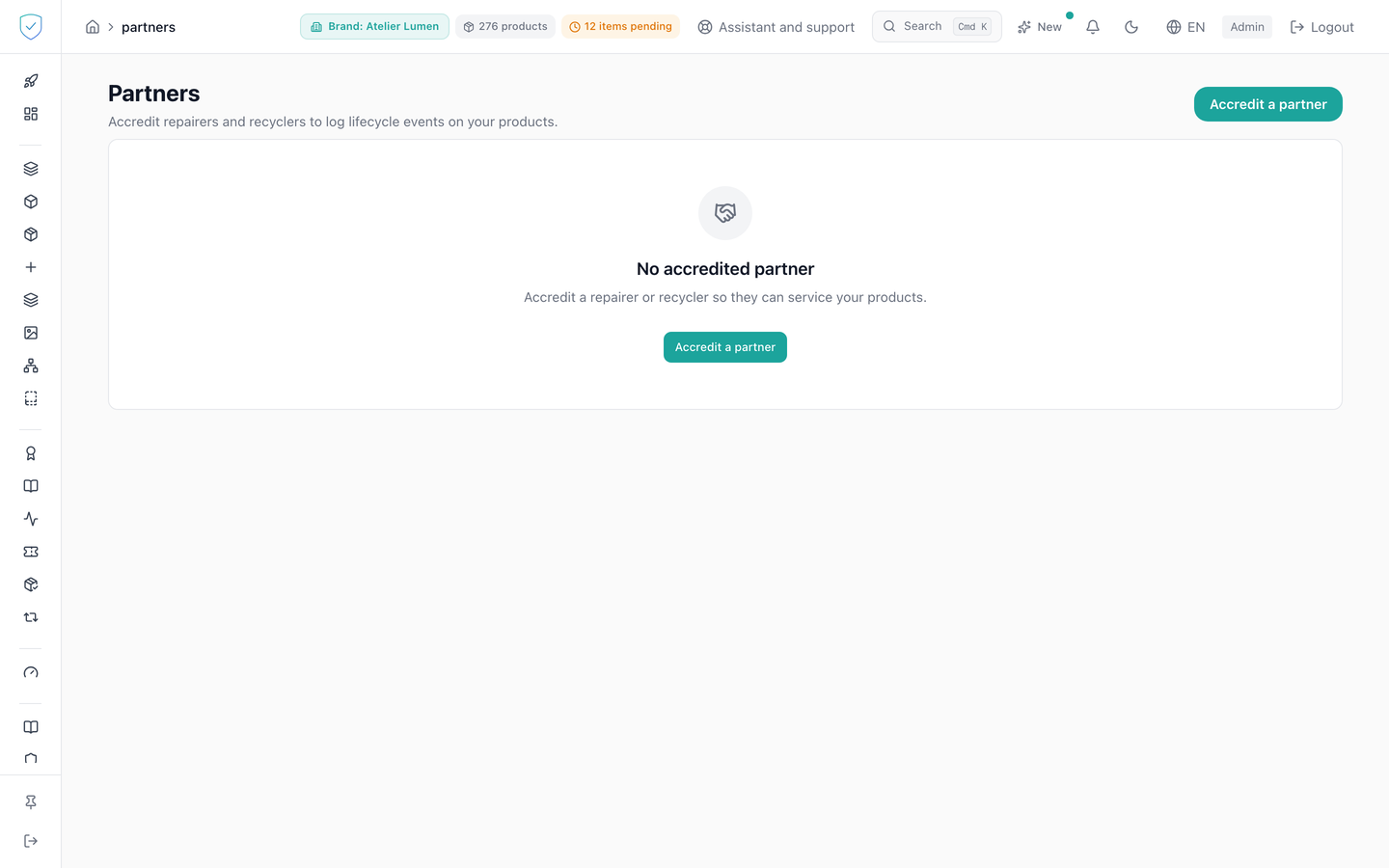
When the list is empty, the page shows "No accredited partner" and "Accredit a repairer or recycler so they can service your products."
The accreditation dialog asks for "Email", "First name", "Last name" and "Partner type". It asks for no password: nobody but the partner knows theirs. When the address is new, the partner receives an email carrying a single-use link, valid 72 hours, on which they choose their own password. The dialog then ends on "Invitation sent". When the email could not go out, it ends on "Invitation not sent": the account is open, and you send the link again with "Resend invite" in the list. No password is shown to you instead.
The browser does not fill "Email" with the login you saved for the console: this field describes the partner's account, not yours.
#What you can do here
Accredit a partner from the header or from the empty screen. An account opened this way is verified from the start, and a custody wallet is attached to it. Until the partner has chosen their password through the link, nobody can sign in to that account.
The link works once and expires after 72 hours. It leads to a page of the public site where the partner chooses their password under the platform rule: at least 10 characters, including an upper-case letter, a digit and a special character. They then sign in as usual.
Resend the invitation of an active partner. The button shows "Sent" for a few seconds, then goes back to its label. Until the partner has chosen their password, resending replaces the link: the previous one stops working at once, and the new one is valid for another 72 hours. Once their password is chosen, resending sends them the ordinary password-reset link, valid 7 days, never a new invitation link.
Revoke an accreditation, after confirming in a dialog that recalls the address concerned. Revoking deletes nothing: the row stays, its status becomes "Revoked", and the partner loses access to the brand's products.
Accrediting, revoking and resending an invitation each leave a line in the audit log, with the IP address of the person who acted. The partner who chooses their password leaves one too. Neither the password nor the link ever appears in it.
#What conditions access
The "Partners" entry lives in the "Analysis & Audit" section, with no plan lock and no profile hiding, and the content waits until the account is recognized as an administrator. The brand concerned is resolved server-side from the brands of your account, and when the account holds several the choice has to be explicit: an accreditation with no brand named is then refused, rather than landed on one of them at random. Both the list and every action stay bounded to your brands. A partner is never registered as an administrator of a brand: their access goes through the accreditation alone.
#What the screen refuses
The accreditation button stays inactive while the "Email" field is empty. A direct API call that sends a password for the partner is refused (422): nothing is created then.
When the address entered belongs to no account, the console opens one, and it then requires "First name" and "Last name": without them it would have only the email address left to identify that person in the audit log. When the address already belongs to an account, those two fields are ignored, since the account already carries a name, and you may leave them empty.
An account that is already an administrator cannot be accredited as a partner. Nor can a market surveillance authority account: accrediting it would take that role away. An accreditation already active for the same brand and the same type is refused as a duplicate. A revoked accreditation is reactivated, without a second row being created. The same partner can, however, hold both types on one brand, since the duplicate is only tested for an identical type.
The "Resend invite" and "Revoke" buttons do not appear on a revoked row, and the server also refuses to resend the invitation of a revoked accreditation: the message would tell the partner they are accredited. Accredit them again first. Revoking the accreditation also makes a link still open unusable. An accreditation that does not belong to your brands cannot be found, and an account with no brand attached is refused.
Was this page helpful?
Your answer opens a pre-filled email in your mail app, addressed to contact@sealtrust.io. You read it over before sending it.