

The encoding wizard
Four steps that pre-scan the blank tags, pair them with the batch items, mint everything in one go, then hand over to the encoder.
The wizard separates the steps of a large run. You first read all the blank tags, you check the pairing, you mint in one go, and you only go back over each tag at the end. You open it from a batch's detail page.
#What the screen shows
The title "Production batch encode wizard" and a strip of four steps: "Scan UIDs", "Confirm mapping", "Bulk mint", "Encode tags".
A reader status banner. When the reader is offline, the banner offers a "Configure daemon →" link to the reader connection page, which is itself subject to the nfc_encoding plan capability.
On the minting step, two modes: "One transaction per product" and "Group up to 50 products per transaction". The hint of the second one warns: "Splits the gas cost. Never yet run on a real batch in production: try it on a small one first."
#What you can do here
Scan the tags one by one with "Scan next tag". The suggested pairing follows scan order: the tag read first goes to the first item, and so on. The dropdowns of step 2 let you change it.
Choose the minting mode, then start "Bulk mint now". The wizard first saves the pairing, then starts the minting with the chosen mode. On the last step, it offers "Open encoder", which opens the encoder on that job.
#What gates access
The wizard keeps the encoding job that has ready items, failing that the most recent one. It only loads items in the ready_to_scan state, at most 1000.
The scan button stays off as long as the reader is not connected, or as long as a scan is running. A read asks the reader for 30 seconds, and the screen waits at most 35 seconds before declaring the delay exceeded.
The button that leaves step 1 stays off as long as no tag has been scanned. The next step only opens if every item carries a UID and if every UID is used once.
Grouped mode is not ticked by default. The number of transactions announced is the number of items divided by 50, rounded up, with a floor of 1.
#What the screen refuses
A brand profile not allowed to mint and encode, even by typing the address by hand: the page only shows "Physical tag encoding is handled by SealTrust for your plan. You can still track minting and encoding progress from the batch page." and a link back to the batch. For a brand on the Compliance offer, the sentence is "NFC encoding is not part of the Compliance offer. The batch page still shows the batch and its passport."
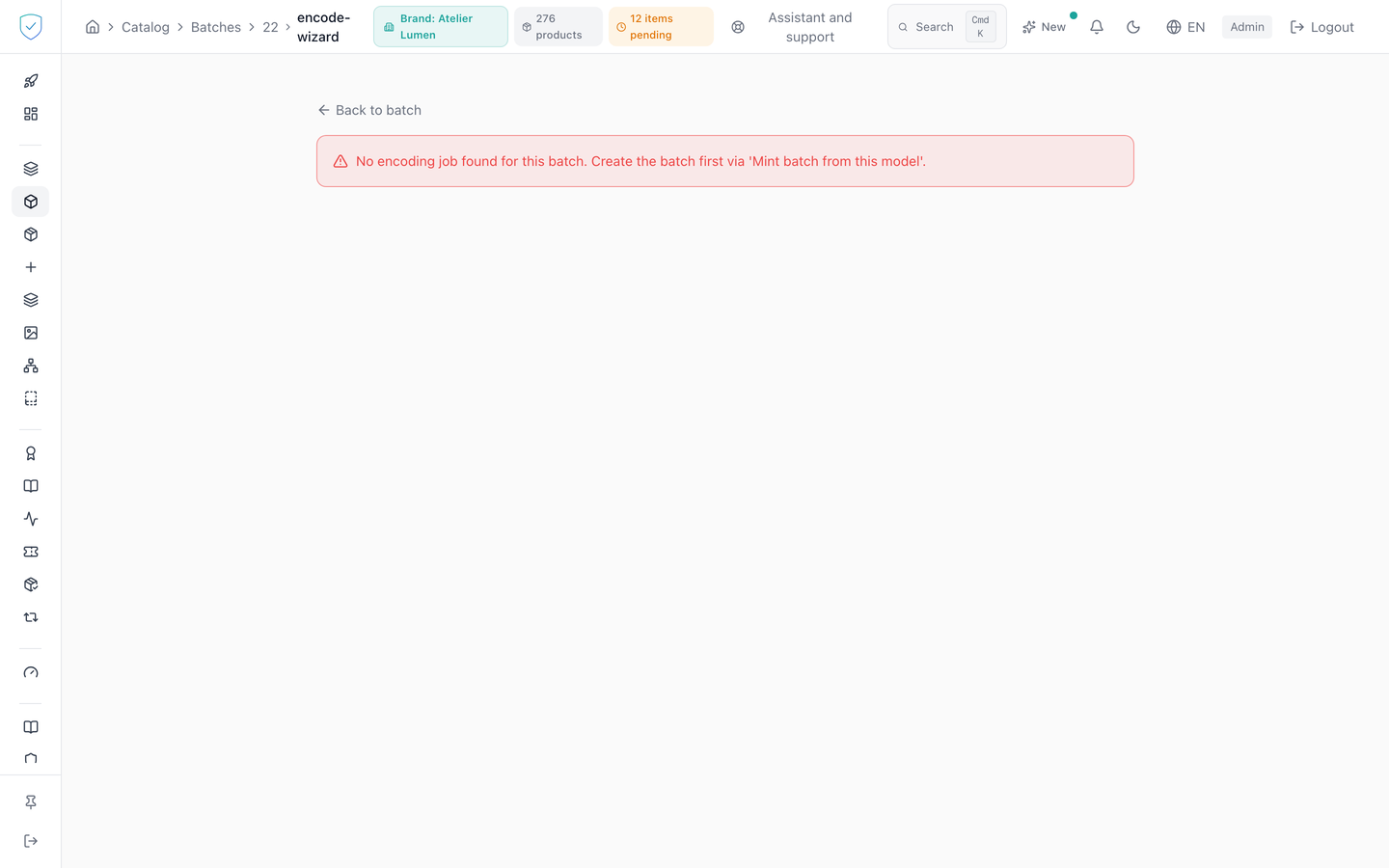
A batch with no encoding job: "No encoding job found for this batch. Create the batch first via 'Mint batch from this model'."
A tag already read: it is not added twice, and the screen shows "Already scanned: " followed by the UID. An incomplete pairing: "Each item must have a unique UID assigned."
On the server side, a UID that is not 7 bytes, that is 14 hexadecimal characters, gives a 400 naming the item. Two items carrying the same UID give a 400 "duplicate uid_hash ... in mapping", checked before any write. An item absent from the job gives a 404, and an item no longer in the ready state a 409 "BatchItem {id} status=..., expected ready_to_scan".
Was this page helpful?
Your answer opens a pre-filled email in your mail app, addressed to contact@sealtrust.io. You read it over before sending it.